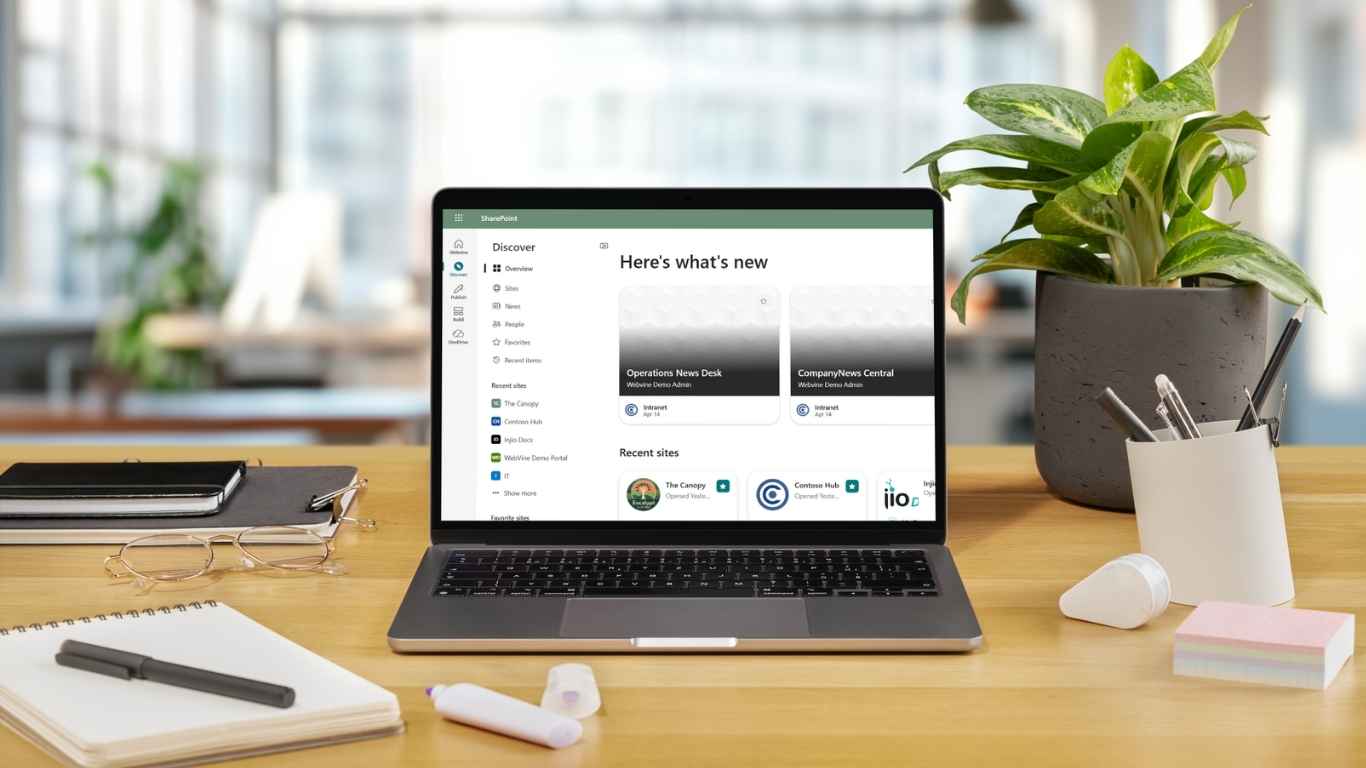
- Many organisations outgrow intranets like Elcom as ways of working, mobility needs, and digital expectations change.
- The right intranet should fit your people and tools, not just tick feature boxes, especially if Microsoft 365 is already central to how your organisation works.
- Migration is an opportunity, not just a technical move: to clean up content, simplify access, and improve adoption.
- With the right planning and platform choice, organisations can modernise their intranet without major disruption to the business.
Switching intranet platforms is a bit like moving house. There’s excitement (“finally, something better!”), a little nerves (“how much work is this going to be?”), and a lot of questions in between.
If you’re here, your current intranet (maybe an Elcom digital workplace) has probably done its job for years. But now it’s starting to feel… tired. Maybe it’s not mobile-friendly. Maybe content is hard to find. Maybe it doesn’t play nicely with the tools your people use every day, like M365. Or maybe you just want to simplify your technology stack and get more value from the tools you already have.
You’re not alone. Many organisations are taking a fresh look at their intranet. Not because the old one failed, but because the way we work has changed.
Before you start packing boxes, let’s walk through what to think about when choosing a new intranet, how to approach a migration without losing your sanity, and why many organisations moving off Elcom end up choosing Injio, our SharePoint accelerator intranet.
The Good News
Modern intranets have come a long way, and within Microsoft 365 they work best as a connected layer rather than sitting as a separate portal. Done well, they become the digital HQ of your organisation: where people connect, find what they need, and enjoy showing up.
Research consistently shows that strong intranets improve communication, engagement and productivity. The right one can simplify your digital life. The wrong one? A ghost town where content goes to die.
So let’s focus on setting you up for success.
Choosing Your Next Intranet: What Really Matters
This isn’t about who has the longest feature list. It’s about fit.
Here’s what to think about as you compare options.
Start With Your Needs (Not the Features)
Before you look at platforms, look inward.
- Do people struggle to find documents?
- Are important updates getting lost in email?
- Is onboarding painful because information is scattered everywhere?
Those pain points matter more than flashy add-ons.
Write down what your intranet must do versus what would be nice to have.
Think of it like packing for a trip: passport and phone charger first, extra shoes only if there’s room. This clarity makes vendor conversations simpler and keeps you focused on solving real problems.
How Well It Fits Your Existing Tools
Your intranet shouldn’t feel like another system to manage.
If your organisation already runs on Microsoft 365 (Teams, Outlook, SharePoint ), then choosing an intranet that lives inside that ecosystem can make life significantly easier.
A SharePoint-based intranet like Injio uses the same login, surfaces content from Microsoft tools you already own, and feels like a natural extension of daily work. No extra portals. No duplicated content.
Standalone platforms (including Elcom) can integrate with Microsoft tools, but it often requires connectors, configurations, and upkeep. It’s doable, just something to go in with eyes open.
Bottom line: the fewer bridges you need to build between systems, the smoother things tend to run.
User Experience (Because Adoption Is Everything)
An intranet only works if people use it.
Employees today expect the same ease of use they get from everyday apps. That means:
- clean, modern design
- intuitive navigation
- mobile-friendly access
- content that’s relevant to them, not everyone
Older intranets often feel static. Newer ones are dynamic, personalised, and interactive.
Injio, for example, builds on modern SharePoint with social features, responsive design, and personalisation. That turns the intranet from a noticeboard into a place for conversation.
When evaluating options, ask:
- Can people find what they need quickly?
- Does it work just as well on a phone?
- Does it feel inclusive and accessible?
If the answer is yes, adoption becomes much easier.
Support, Updates, and Future-Proofing
An intranet isn’t “set and forget.” It’s a long-term relationship.
Older platforms often rely on major version upgrades that need planning, testing and effort. Cloud-based intranets are different. They evolve continuously.
With SharePoint Online and platforms like Injio, updates happen regularly behind the scenes. No big upgrade weekends. No starting-over projects.
Also look at the human side:
- Will you get help post-launch?
- Is there training?
- Is there a customer success team or community?
A good vendor feels more like a partner than a helpdesk.
Cost (And the Real Cost)
Be clear on the total cost, not just licence fees.
Consider:
- licences
- implementation
- support
- internal effort
- what you’re already paying for Microsoft 365
If everyone already has M365 licences, a SharePoint-based intranet can be cost‑effective because you’re building on what you own. If not, you’ll need to plan access for frontline and casual workers.
And remember: the cheapest option isn’t always the best value. If a better intranet saves people even a small amount of time every day, those gains add up very quickly.
Elcom vs Injio: A High-Level Comparison
Every organisation is different, but at a high level:
- Elcom is a standalone digital experience platform – flexible, broad, and independent of Microsoft.
- Injio is a modern intranet accelerator built directly on Microsoft 365 and SharePoint Online.
Elcom often suits organisations that are happy to sit outside Microsoft. Injio tends to shine when organisations want to get more out of Microsoft 365 without building everything from scratch.
Neither is “right” for everyone, context matters.
Planning a Smooth Move (Without the Headaches)
Once you’ve chosen your platform, migration is where good planning pays off.
Think of it less like a “lift and shift” and more like a fresh start.
Clean Up Before You Move
Don’t bring everything with you.
Audit your intranet content:
- what’s current?
- what’s outdated?
- what can be archived?
It’s much easier to start fresh than to untangle clutter later.
Involve the Right People Early
Intranet changes touch everyone.
Get input from IT, Comms, HR and everyday users. Ask what works, what doesn’t, and what they’d love to see improve. It builds buy‑in and surfaces issues early.
Leadership support helps too. A visible endorsement can make a big difference to adoption.
Plan Licensing and Access
If your current intranet includes users without Microsoft accounts, decide how they’ll access the new one. Frontline licences, kiosks, or shared access options can help.
If everyone already has M365 access, great. You’re in a strong position.
Be Realistic About Content Migration
Documents usually migrate cleanly using tools.
Pages and news often need manual rebuilding, and that’s okay. Treat it as a refresh, not a chore. You probably didn’t love every page anyway.
Roll Out Thoughtfully
Many organisations launch in phases:
- core content first
- departments and extras later
This delivers quick wins without overwhelming teams.
A little launch excitement goes a long way: videos, quick tours, leadership messages, even small incentives.
Don’t Skip Governance
After launch, decide who owns the intranet.
Set simple rules for content reviews, updates and requests. The best intranets evolve over time, guided by feedback and real usage.
Why Organisations Choose Injio After Elcom
Since this is the Injio blog, it’s worth sharing, honestly, why organisations often make the switch.
- They want more value from Microsoft 365
Injio doesn’t replace your tools. It brings them together. - They want a modern experience without a massive build
The heavy lifting is done early, so the effort goes into tailoring the experience, not reinventing the basics. - They need ongoing support, not just software
Injio customers get regular updates and a customer success partnership. - They want engagement, not just storage
Social features, recognition tools, and interaction are built in. - They can’t afford disruption
New sites are built in parallel, reducing risk and downtime.
In short, organisations move because they want less friction and more momentum.
Final Thoughts
Moving from Elcom (or any legacy intranet) is a big step. But it’s also a chance to reset, simplify, and create something people want to use.
Keep people at the centre of every decision, plan thoughtfully, and choose a platform that supports how you work now. Not how you worked ten years ago.
And if you’d like to explore what a modern SharePoint-powered intranet could look like for your organisation, we’re always happy to chat.
After all, every good move is easier with the right co‑pilot.
Frequently Asked Questions (FAQs)
How do I know if it’s time to replace our intranet?
Common signs include low usage, poor search results, outdated or duplicated content, limited mobile access, or heavy reliance on email to compensate for intranet gaps.
Do we need to migrate everything from our existing intranet?
Not usually, and that’s often a good thing. A migration is a chance to clean up outdated content, keep what’s valuable, and improve how information is structured.
Is moving intranet platforms mainly an IT project?
No. While IT plays a key role, successful intranet changes involve Communications, HR, and everyday users. Adoption depends as much on content and usability as technology.
How long does an intranet migration typically take?
Timeframes vary, but most organisations plan for several weeks to a few months, depending on content volume, internal capacity, and whether the rollout is phased.
What should we prioritise when choosing a new intranet?
Fit over features. Focus on user experience, searchability, mobile access, integration with existing tools, and how well the platform can evolve with your organisation.
Do we need to be on Microsoft 365 to modernise our intranet?
No. But if Microsoft 365 is already widely used, choosing an intranet that works natively within it can simplify access, security, and ongoing management.
How do we ensure people use the new intranet?
Involve users early, design for real needs, provide basic training, and ensure leadership visibly supports and uses the intranet themselves.
Sources
- Gartner – Intranet & Digital Workplace Strategy
https://www.gartner.com/en/information-technology/glossary/intranet
Nielsen Norman Group – Intranet Usability & UX Research
https://www.nngroup.com/topic/intranets/ - ClearBox Consulting – Intranet & Digital Workplace Reviews
https://www.clearbox.co.uk/intranet-and-digital-workplace-reviews
Microsoft – SharePoint as an Intranet Platform
https://www.microsoft.com/en-au/microsoft-365/sharepoint/intranet - Forrester – Digital Employee Experience (DEX)
https://www.forrester.com/blogs/tag/digital-employee-experience/ - SmarterHQ / Gallup – Employee Engagement & Communication
https://www.gallup.com/workplace